1.7.1.4. Editing blocks and keys 1.7.1.4.1. Adjust key
values |  |
| Prev | Next |
In order to adjust a key value perform a double-click on the value field.
-> A list field or an input field opens.
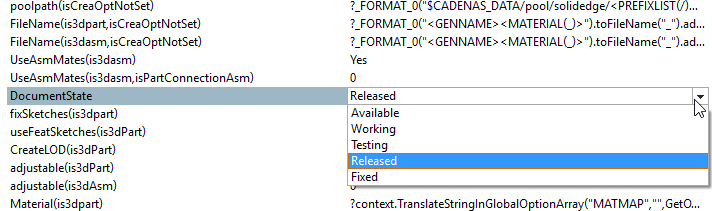
List field with specified values with free input option
It is not possible to click into the basic line and so to open an input field. Simply click on one of the offered values in the list field.
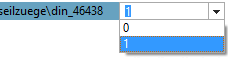
List field with specified values plus free input option
When clicking into the basic line an input field opens.
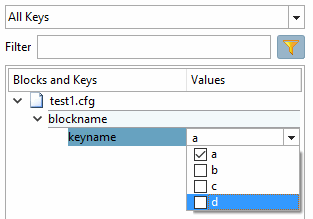
List field with checkbox for selecting several values
At the desired options, activate the checkbox.
Input field with free input option
Double-click the input field and enter the desired key value.
In value range fields a check is performed. The input of values which are not specified is not possible.
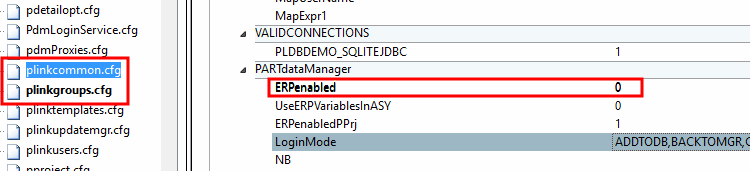
As soon as a change has been made to a key value, the key and value appear in bold. The configuration file is also displayed in bold.
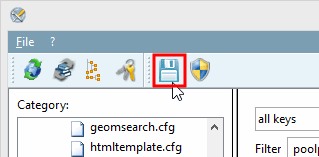
As soon as you click on Save, the bolding disappears again.
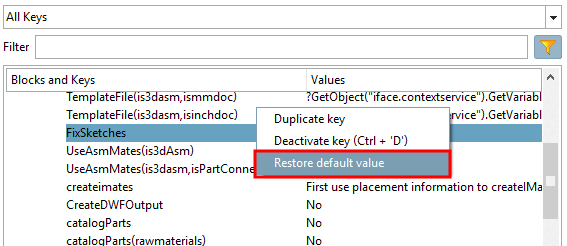
Restore default value: In the context menu of each key, you will find the Restore [Restore default value] default value command.