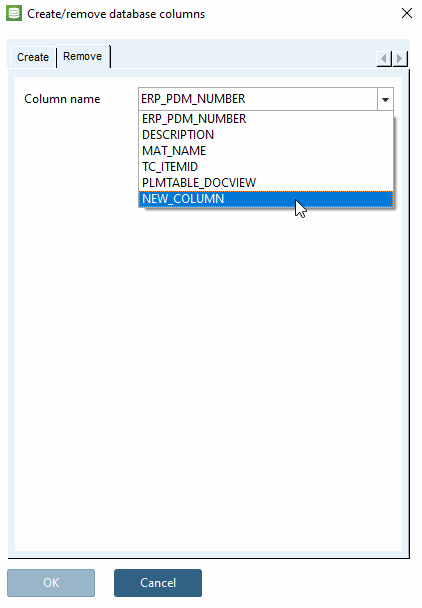
5.3. Add / remove database columns
5.3.4.
Remove database column
|  |
| Prev | Next |
![[Note]](images/note.png) | Note |
|---|---|
If the database does not support the deletion of columns (e.g. SQLite), the Remove tab page is hidden. The database is not accessed! The deletion only applies to ENTERPRISE 3Dfindit data. | |