Chapter 8. Catalogs /
Classifications 8.10. Catalogs | Classifications: Download via PARTupdate |  |
| Prev | Next |
Chapter 8. Catalogs /
Classifications 8.10. Catalogs | Classifications: Download via PARTupdate | |
| Prev | Next |
Catalogs and classifications can be downloaded not only on PARTadmin, but alternatively also on PARTupdate.
| ||||
-> As soon as you are logged in, the download area will open.
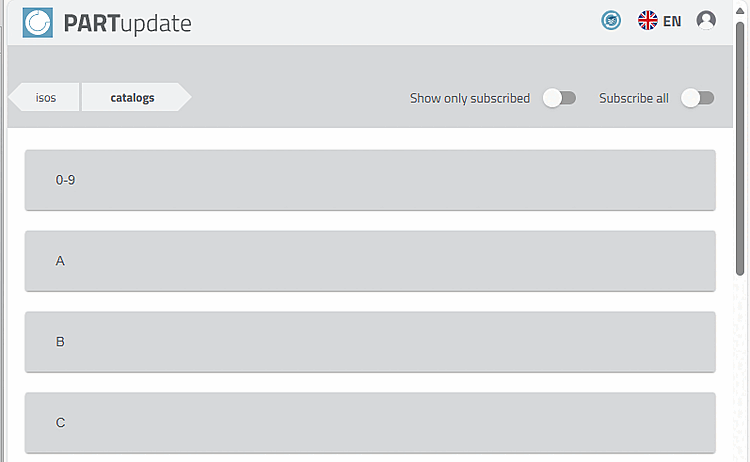
Under "isos" you will find the software, under "catalog" catalogs, classifications and thread information.
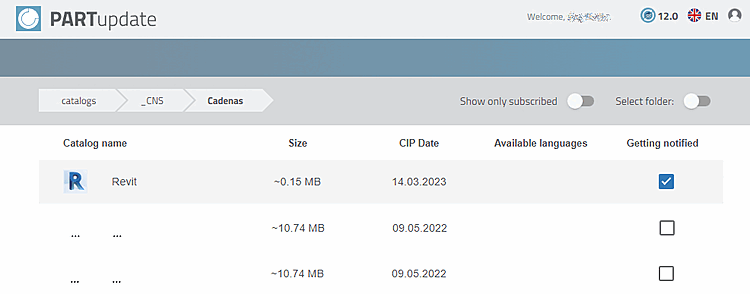
You can also be notified of changes. To do this, activate the Getting notified checkbox for the desired catalogs or classifications.
-> You will now be notified of any changes.
For installation, see Section 1.4.3.3, “ Offline catalog installation / catalog update ” in ENTERPRISE 3Dfindit (Professional) - Administration.
![[Note]](images/note.png)