Chapter 2. Training - Creating a cap nut
2.4.
Add row
|  |
| Prev | Next |
To avoid having to define all the characteristic lines belonging to the component during training, these are already stored in a file that is imported later.
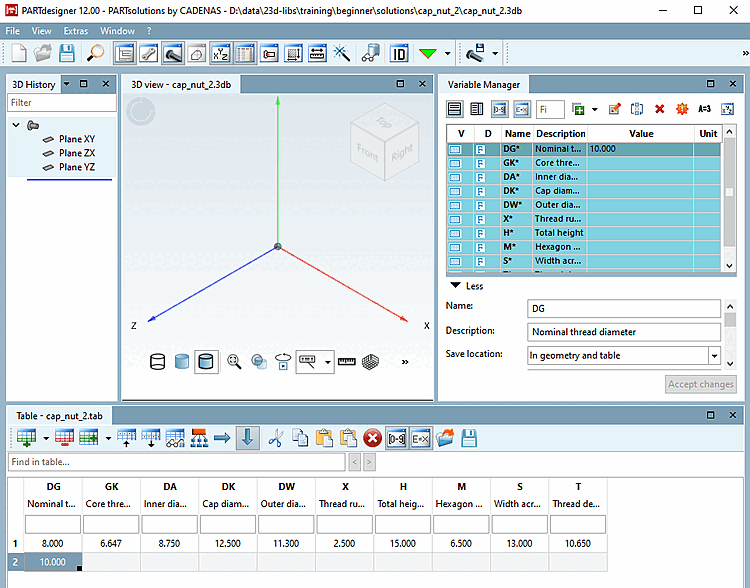
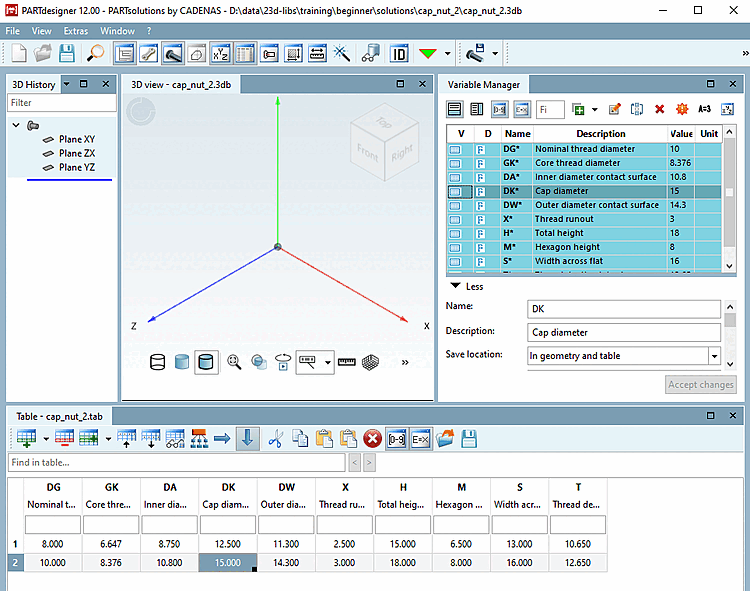
For the sake of training, just define one row:
-> The table should now look as follows: