5.12.11.31.3. Device type
determination 5.12.11.31.3.1. Classify component type according to ECLASS |  |
| Prev | Next |
5.12.11.31.3. Device type
determination 5.12.11.31.3.1. Classify component type according to ECLASS | |
| Prev | Next |
Classification according to ECLASS is mandatory for electrical components.
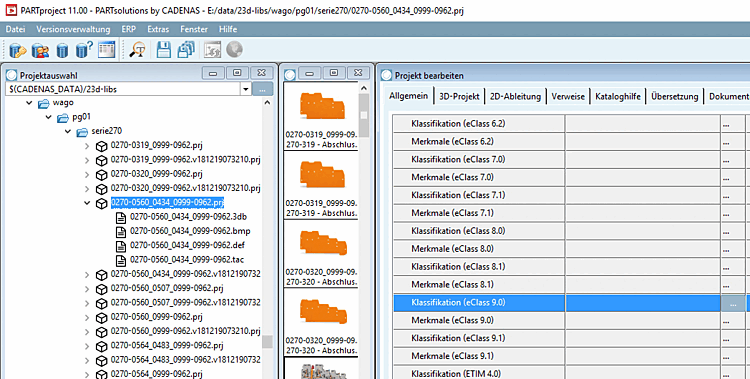
Select the project to be classified.
On the General tabbed page, select the classification (ECLASS 9.0) and open the corresponding dialog by clicking on to open the corresponding dialog.
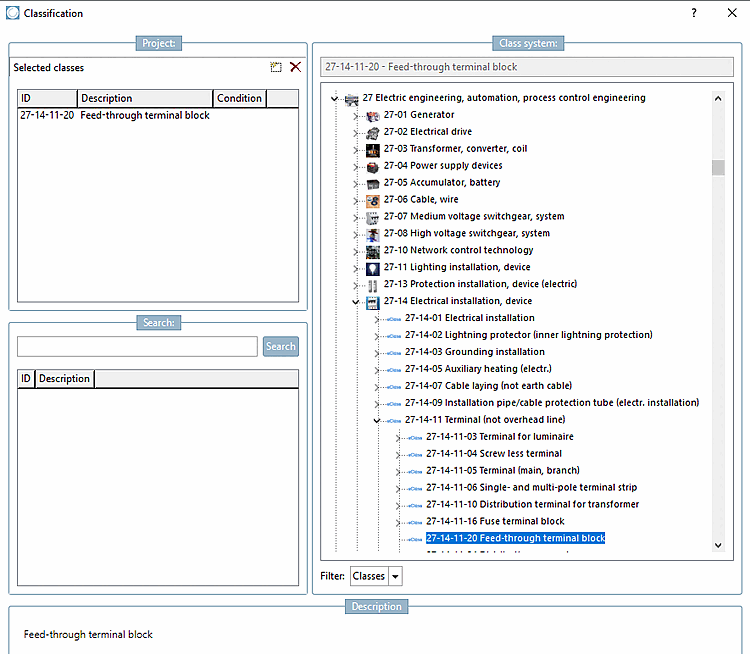
Select the correct component type (in this example a feed-through terminal block) and assign the class to the component by double-clicking. Confirm with .
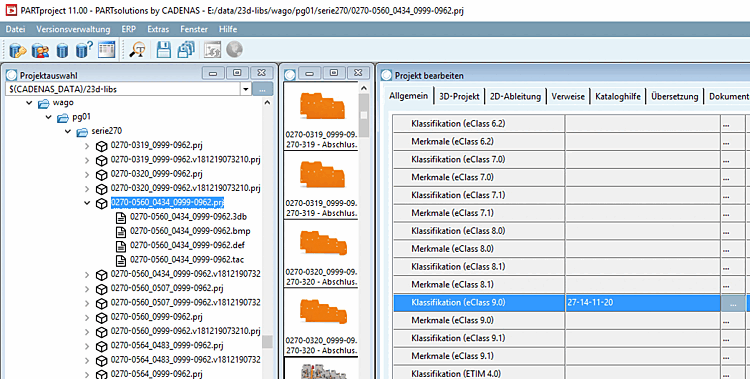
-> The class is displayed on the General tab page.
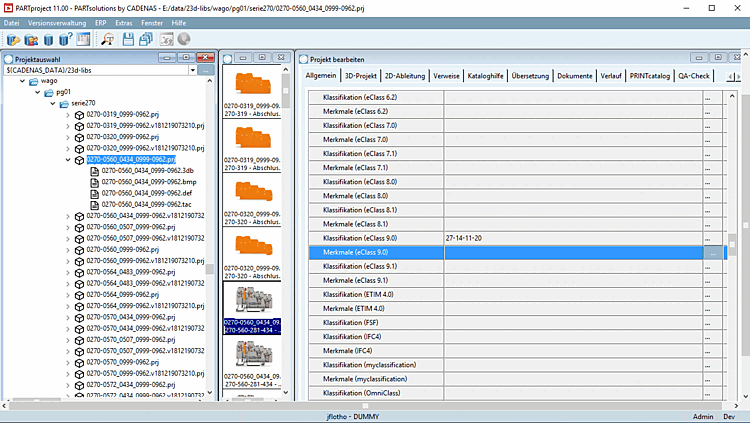
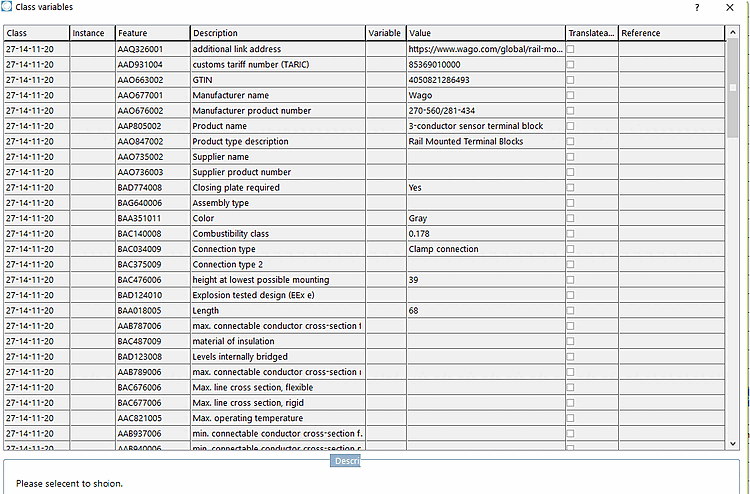
Each component type has its own set of characteristics that must be filled in. To do this, open the Characteristics (ECLASS<version number>) dialog box by clicking on to open the Class variables dialog box.
Now you will see all attributes related with the device. Enter the desired attribute values as fixed values or refer to a table variable (if there is an appropriate one).
The features are now displayed on the General tab page.