5.12.5.1.1.2.
Assign
Attributes
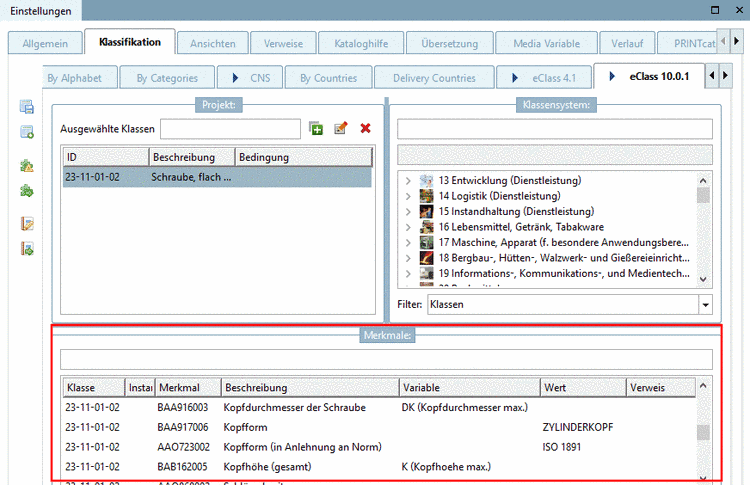
Once a class
has been assigned, below, in the dialog area Attributes, automatically the
corresponding attributes are displayed.
Enter the
desired attributes.
The
following entry fields are available:
![[Note]](images/note.png) | Note |
|---|
Only one
of the options is possible at the same time! |
Save in
PARTproject
 .
.