5.14.1. Revit: Create
specific rfa files from projects by using a filter
5.14.1.4. Conversion
from PS3 to RFA |  |
| Prev | Next |
5.14.1. Revit: Create
specific rfa files from projects by using a filter
5.14.1.4. Conversion
from PS3 to RFA | |
| Prev | Next |
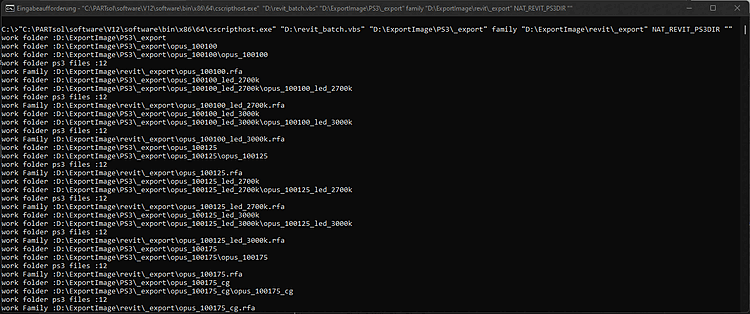
The last step is the conversion to the rfaformat. For this, the file revit_batch.vbs is required. It can be found under ../libs/plugins.
Start a command prompt and insert following path. Please adjust like described to your local environment situation (path/directories)
This is how the command for the command line is structured.
cscripthost revit_batch.vbs [Input-Folder] [Conversion] [Output-Folder] [Input-Format][Output-Format]
cscripthost revit_batch.vbs f:\temp\batch family f:\temp\output NAT_REVIT_PS3DIR ""
"C:\PARTsol\software\V12\software\bin\x86\64\cscripthost.exe" "D:\revit_batch.vbs"