7.13.3. Create Assembly Table Project from A to Z
7.13.3.2.
Create assembly configuration
|  |
| Prev | Next |
Create an assembly configuration.
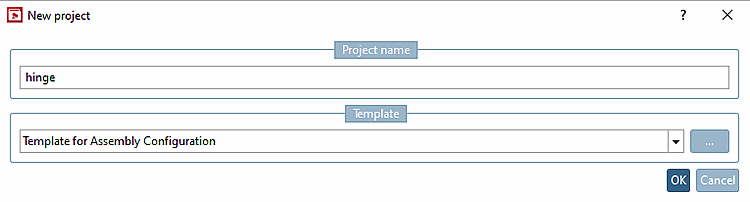
To do this, click in PARTproject in the Project selection dialog area at directory level, click on the New project context menu command. Assign a name (here "hinge" as an example). Select the Template for assembly configuration [Template for Assembly Configuration] option in the list box. Confirm with .
→ The configuration is created in the project selection of PARTproject in the desired directory.
→
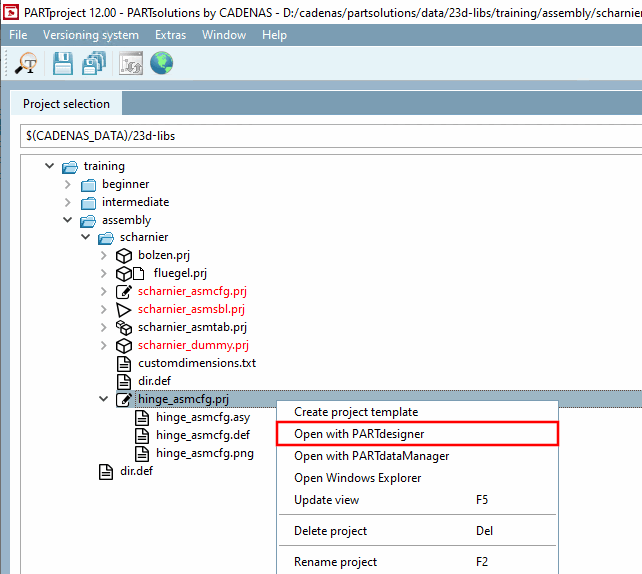
In an assembly configuration, "_asmcfg.prj" is automatically assigned to the assigned
Names appended.
In the context menu of the assembly configuration, click on the Open with PARTdesigner [Open with PARTdesigner] command.
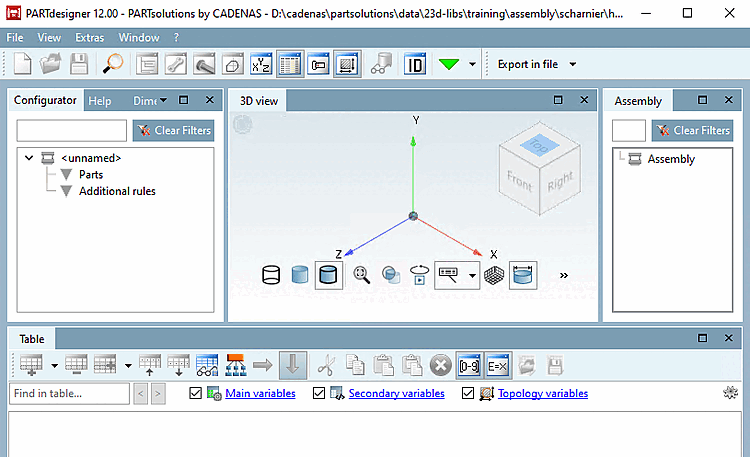
→ PARTdesigner opens with an empty configuration.
→ The docking window configurator [Configurator] and superstructure [Assembly] are opened automatically.
![[Note]](images/note.png)