6.11. Problem solution 6.11.1.
eCATALOG 3Dfindit: PARTproject QA - Resolving SVN conflicts
|  |
| Prev | Next |
With QA-managed catalogs, it should not be possible for two users to work on a file at the same time. Nevertheless, conflicts can occur from time to time. One possibility would be, for example, that the write permissions were not adjusted after check-out (e.g. because PARTproject was terminated for some reason).
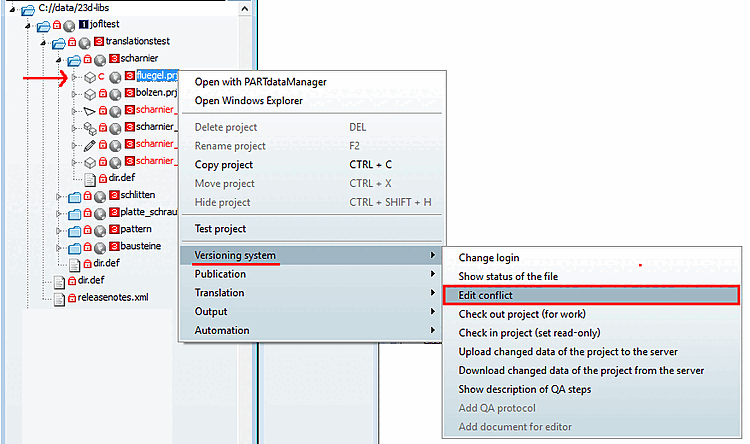
Conflicting files are marked with a"C".
In PARTproject QA, you'll find the " Resolve Conflict [Edit conflict]" command in the context menu under " Version Control [Versioning system]." (Only in the event of a conflict.)
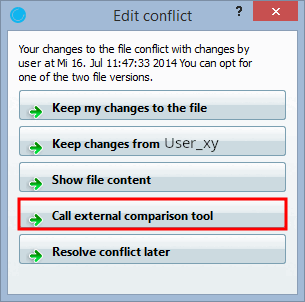
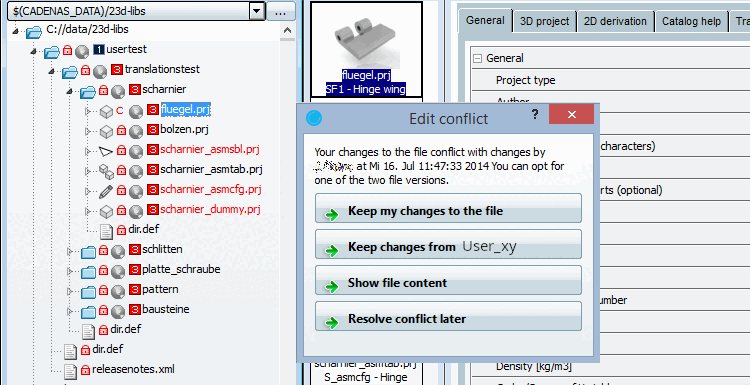
Click on the command to open the dialog box of the same name.
You can immediately see which user is involved in the conflict.
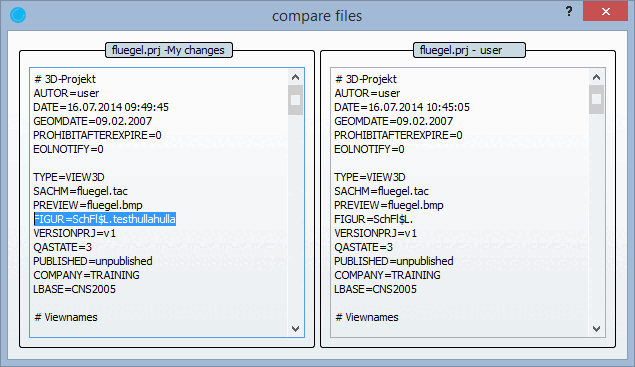
Dialog offers the following options:
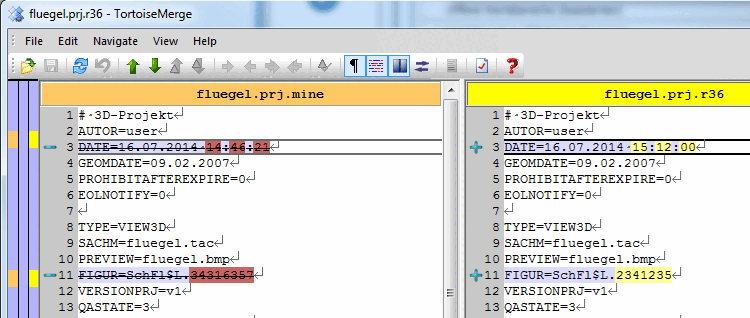
Display file content [Show file content] (for textual conflicts)
Detailed information on PARTproject QA can be found under Chapter 6, PARTproject QA.
![[Tip]](images/tip.png)