5.12.14.
Map class systems...
5.12.14.3. Edit
mapping |  |
| Prev | Next |
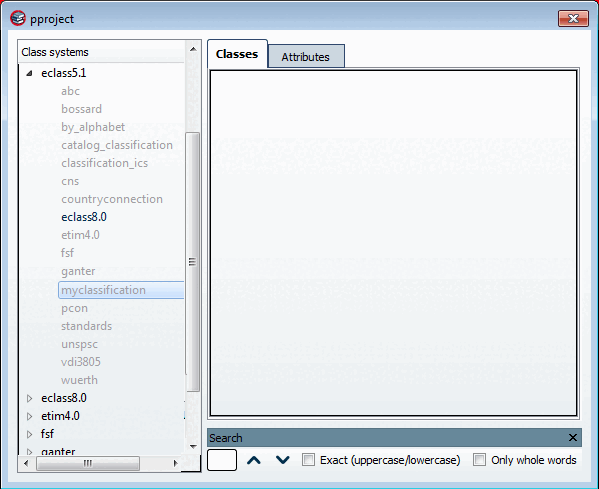
The pproject dialog box opens with the right-hand area empty.
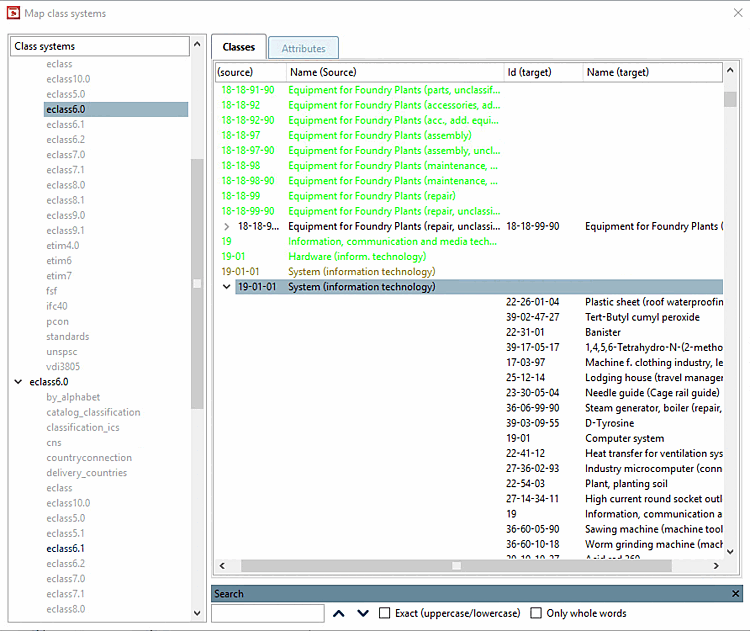
If you want to edit an already existing mapping, then perform a double-click on the desired black class. -> The mapping is loaded in the dialog box.
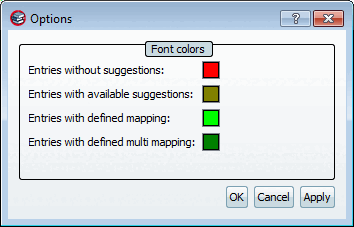
The font colors have the following meaning:
![[Note]](images/note.png) | Note |
|---|---|
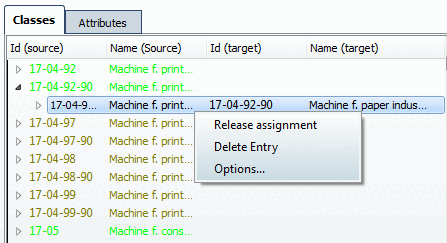
You can adjust the font colors in the following way: Execute the Options command in the context menu of any class or feature.
By clicking on the single color fields you can adjust the colors. | |
Should the search function (right below in the dialog box) not be displayed, then simply click Ctrl+F in order to show it.. By clicking on the cross you can hide it.
You have the following options when editing the mapping:
Release assignment (at defined mapping)
The entry is then displayed with the font color for entries with available suggestions [Entries with available suggestions].
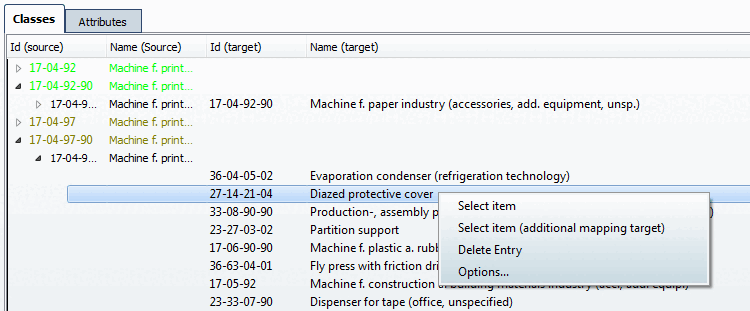
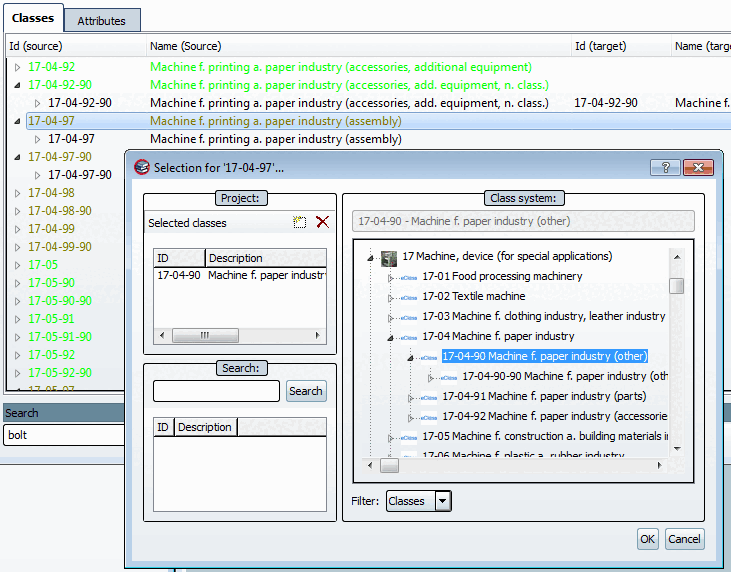
Select item or Select item (additional mapping target) (at entries with not yet defined mapping or at multiple mappings)
Improve results with a different search strategy
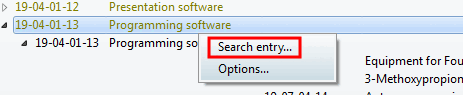
To do this, select the desired class and click on Search entry [Search entry...] in the context menu.... [Search entry...]
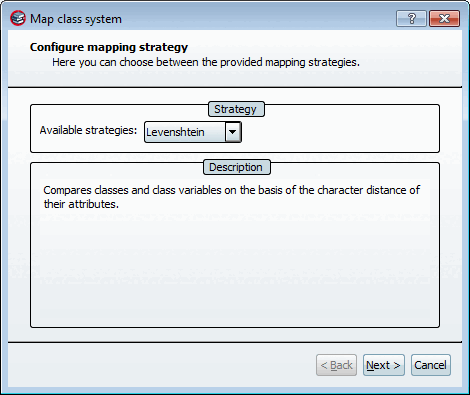
-> The Mapping the class system [Map class system] dialog box opens.
Select Levenshtein as the search strategy and then other settings than for the first search run.
To do this, select the desired class and click on Search entry [Search entry...] in the context menu.... [Search entry...]
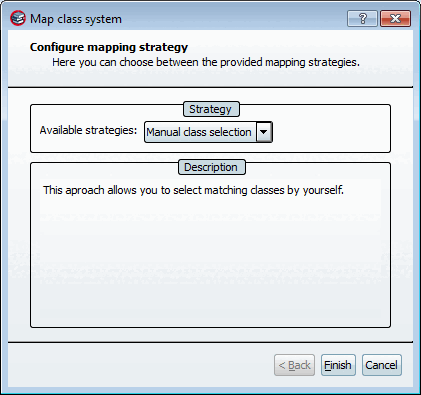
Under Available strategies, select the option Manual class selection.
-> The Mapping the class system [Map class system] dialog box opens. Click on .
In the opened dialog box browse to the desired class and take it over via double-click.
| Note |
|---|---|
All explanations given here for the Classes tab page also apply analogously to the Characteristics [Attributes] tab page. | |