5.9.4. Tabbed page: Views
5.9.4.1.
Dimensioning views
|  |
| Prev | Next |
![[Note]](images/note.png) | Note |
|---|---|
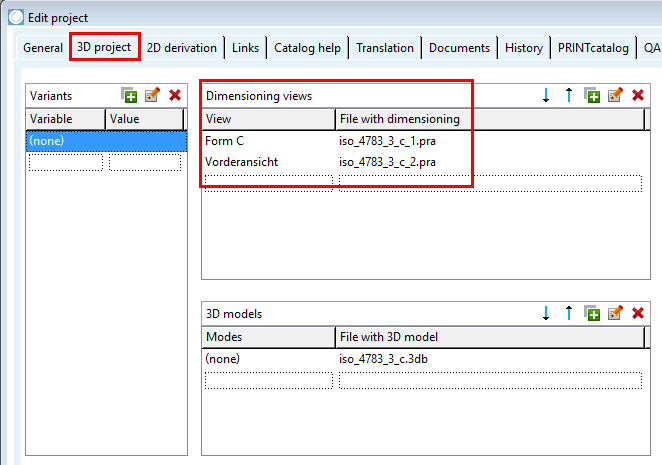
The entry of dimensioning views [Dimensioning views] is optional. These are displayed in the PARTdataManager under Technical views. Optionally, you can use the Variants dialog area if you want to assign specific dimensioning views [Dimensioning views] to different variable values (table rows). | |
In the View column, use the arrow to open the list field and select a view [View] or enter a name yourself.
Open the list field in the File with dimensions [File with dimensioning] column using the arrow and select the desired file. This must be stored in the project file.
Allowed file types are .pra, .bmp, .tif.
| ||||
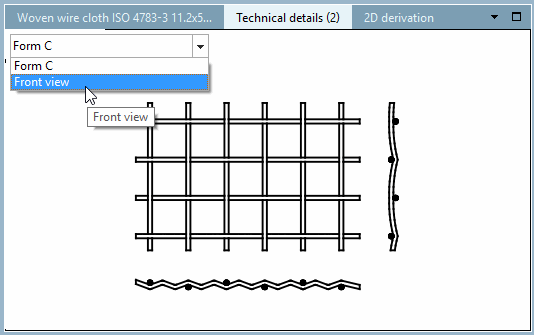
View the result in the PARTdataManager in the Technical specifications [Technical details] docking window.