5.12.13.6. Use parts in
NX
5.12.13.6.4. Check port
attributes |  |
| Prev | Next |
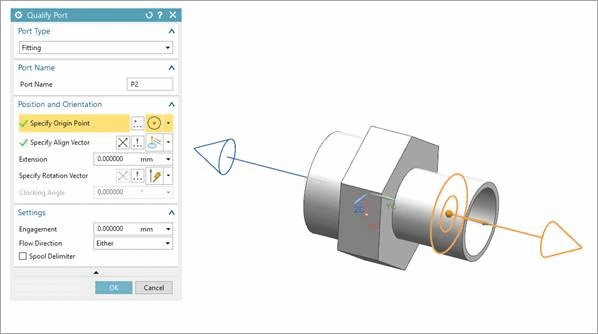
The following describes how you can check the port attributes of a part exported from 3Dfindit to NX.
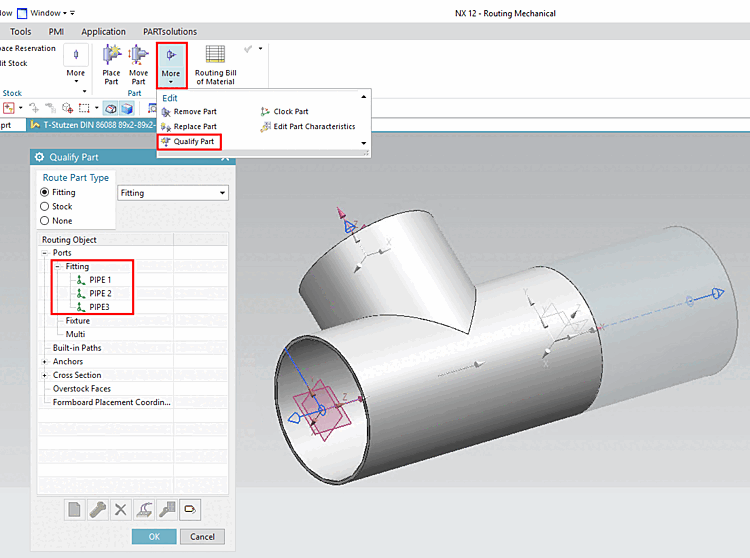
In an opened assembly, perform a double-click on the desired part. (There is only access to attributes for single parts.)
Under More, click on Qualify Part.
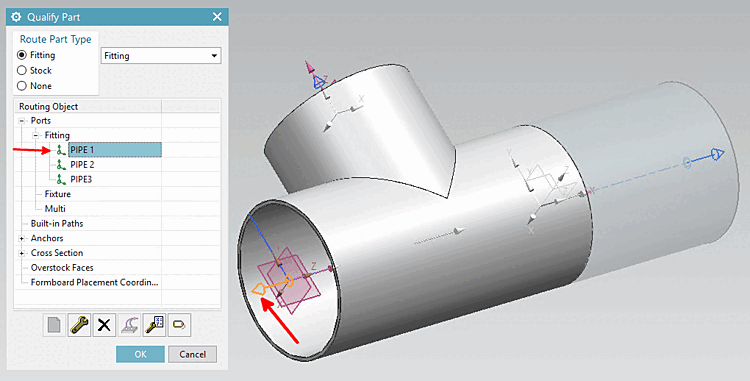
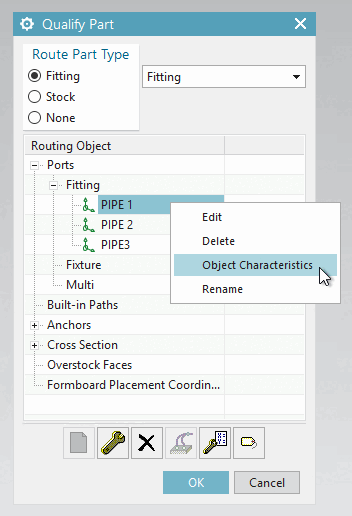
Click on Object Characteristics in the context menu of PIPE1.
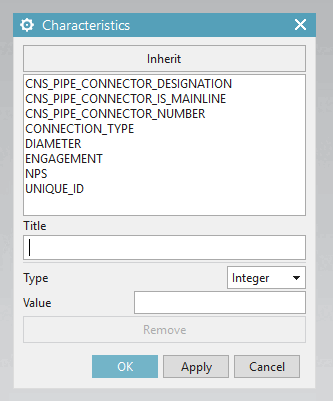
-> Respective dialog is opened.
Here you can see, among other things, the attributes transferred by 3Dfindit.
![[Note]](images/note.png)