|
|
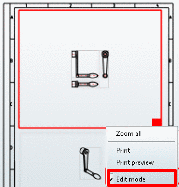
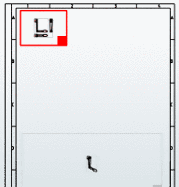
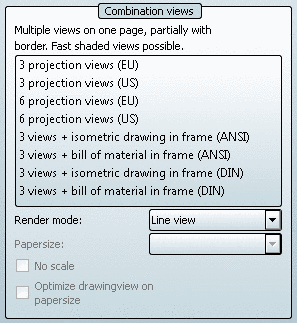
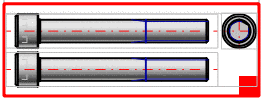
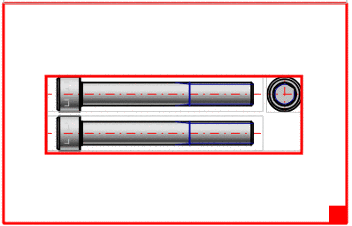
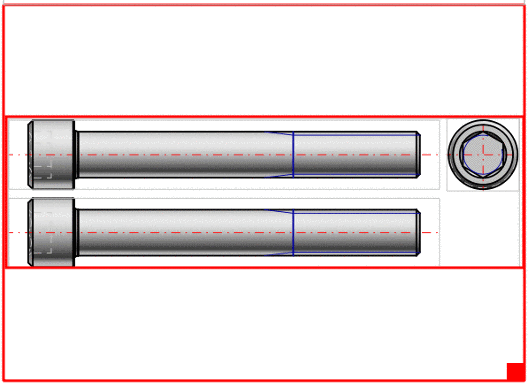
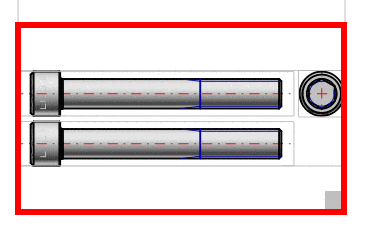
Option No scale deactivated (scale used):
Within the given frame the most fitting scale is used. The scale is displayed in the title (possibly only visible after enlargement).[125]
Within the given frame the entire available space is used. (Usually the derivations then increase in size.)
[125] The possible scales are defined administratively in the configuration file. See Section 1.7.5.2, “ 2dscales.cfg - Use scale for 2D view ” in PARTsolutions - Administration Manual.