7.9.3.6.3.
Insert hexagon
 hexagon
Insert [Insert hexagon]
hexagon
Insert [Insert hexagon]
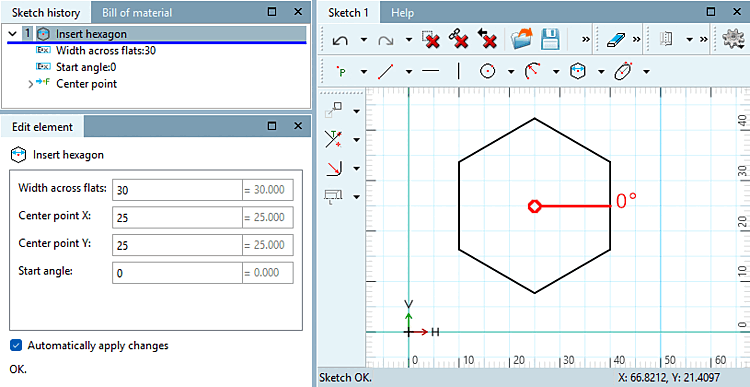
Create a hexagon using the center point [Center point] and width across flats [Width across flats].
Click on the center point.
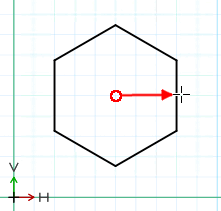
Pull the hexagon up to the desired width across flats and fix it with a mouse click. If necessary, you can make an approximate adjustment to the rotation.
→ The corresponding parameters are displayed in the Edit element docking window.
Adjust the parameters as required:

![[Note]](images/note.png)
![Snap onto the grid [Snap to grid]](resources/img/img_0eefc86b9e3144a29370ec0ed0f9b171.png)
!["Scalar parameters [Scalar parameters]" activated](resources/img/img_c5da0c56361543faae06757325cecf15.png)