5.4.
Filter
5.4.6. Example "Filter search across all catalogs" from A to Z
|  |
| Prev | Next |
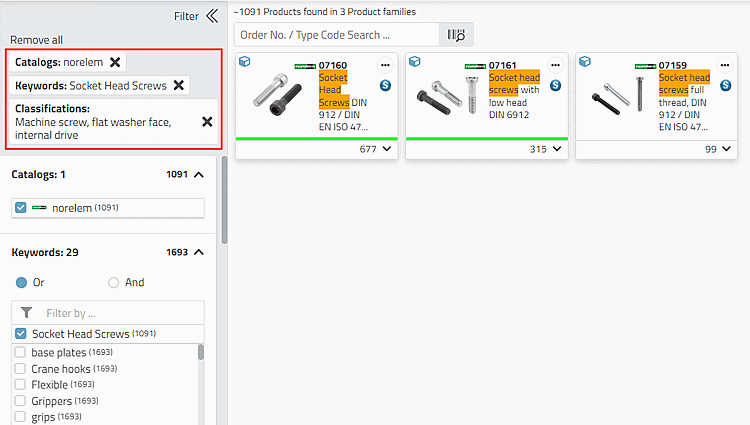
The following cylinder screw is required:
Classifications -> Machine screw, flat, internal drive
-> Each time a filter is set, the display is adjusted immediately.
-> The further you specify, the more variable filters (for screws, e.g. nominal thread diameter and length, etc.) are displayed. (These are always the common ones of the respective level).
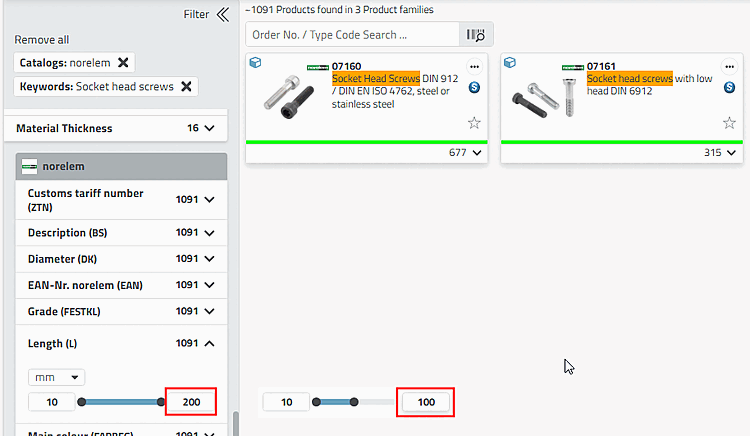
For example, restrict the values of the variable L (Length). In this example, this is done step by step to show the different options.
For example, reduce the upper limit value to 100.
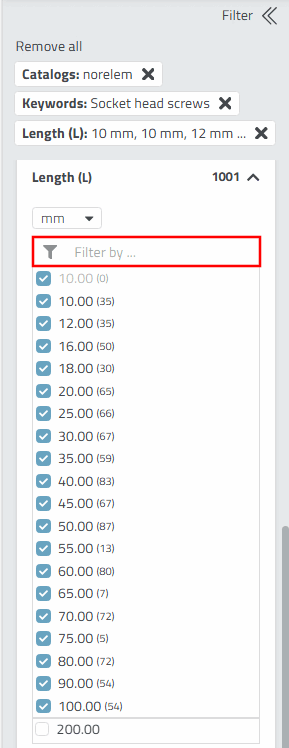
-> As only comparatively few values are now possible, the remaining values are displayed in the form of a list.
However, perhaps only one or two values are required. It is quicker to use the filter that now appears than to deselect those that are not required.
You can use the following logical operators in the input field:
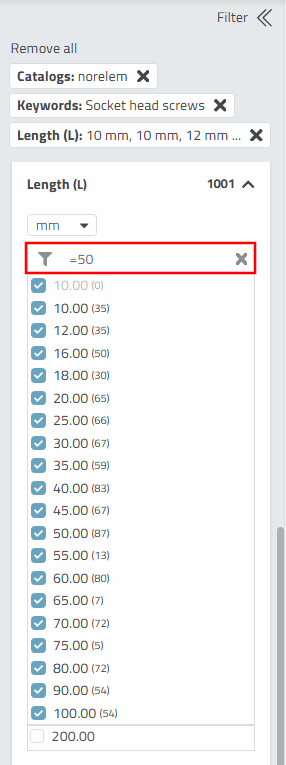
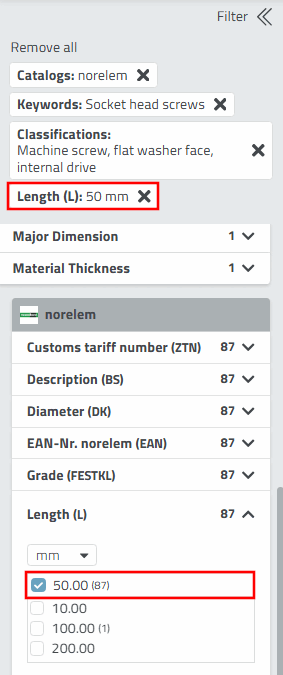
To reduce the list to the desired value in a single move, enter the value 50 with the logical operator "=", for example.
=50
Press the Enter button after entering the data.
-> Now only option 50 is valid.
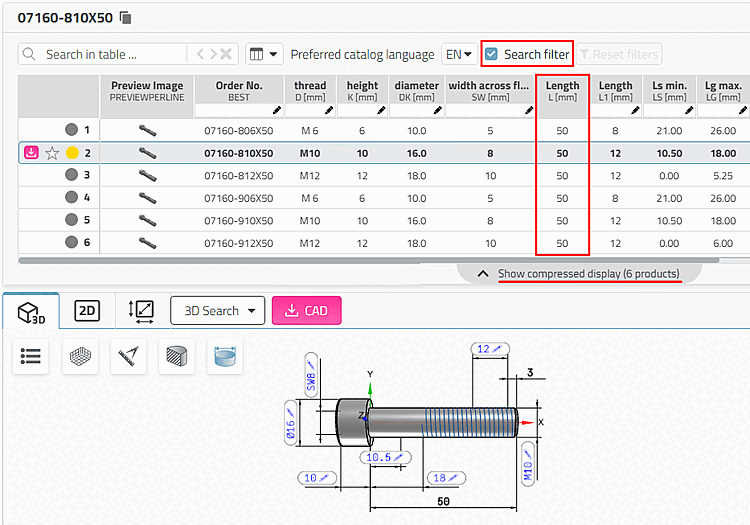
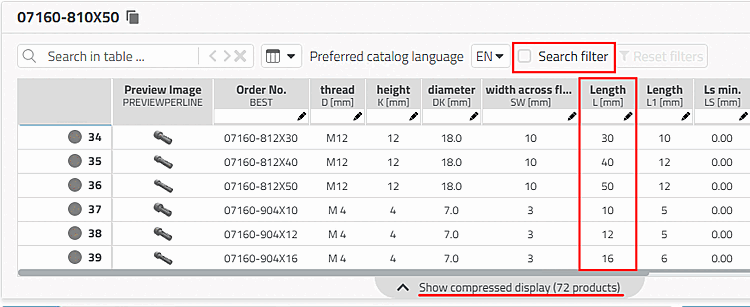
-> Only rows that match the filter settings are displayed. The Search filter option is activated. If you deactivate it, all existing table rows are displayed.
![[Tip]](images/tip.png)