3.5.16.
Info CADENAS
3.5.16.2.
System info/Support
|  |
| Prev | Next |
Above
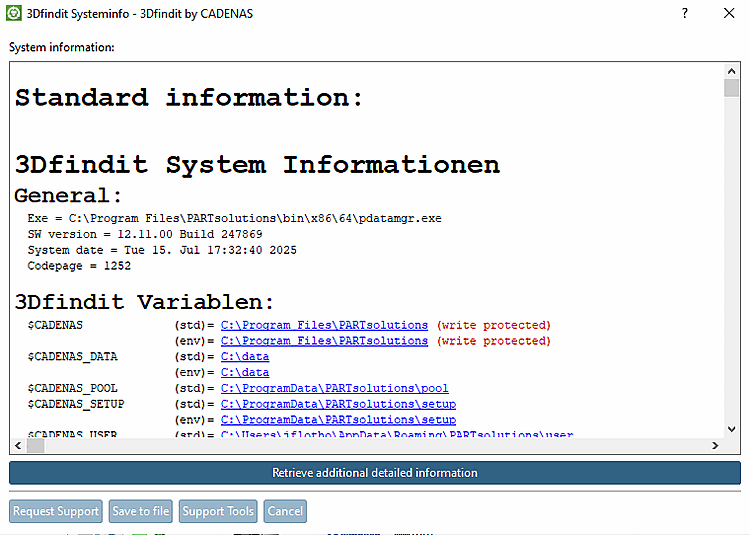
the command  System Info/Support [System info/Support]
the PARTsolutions dialog box opens
System info [PARTsolutions system information].
System Info/Support [System info/Support]
the PARTsolutions dialog box opens
System info [PARTsolutions system information].
Here you can send important information to the support team by e-mail. Fill in the fields and then click on .
Alternatively, you can also save the content of the dialog box to a text file. You will find the command Save content to file [Save content in file] in the context menu (see following figure). If you edit an issue via PARTconcept, the information bundled in this way can be uploaded.