Perform a ML[32]-based photo search.
The photo search [Photo Search] enables parts to be found more quickly, for example as part of spare parts management.
The following is an example of a search.
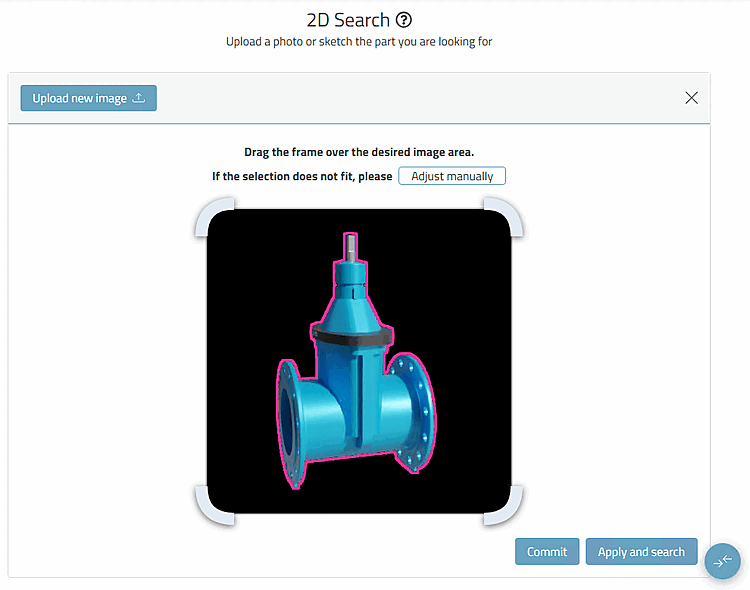
Click on the Photo search [Photo Search] dialog area and then select the desired photo file in the Explorer or drag it into the area.
→ The photo is transferred to the dialog area.
Finally, click on the Apply and search button.
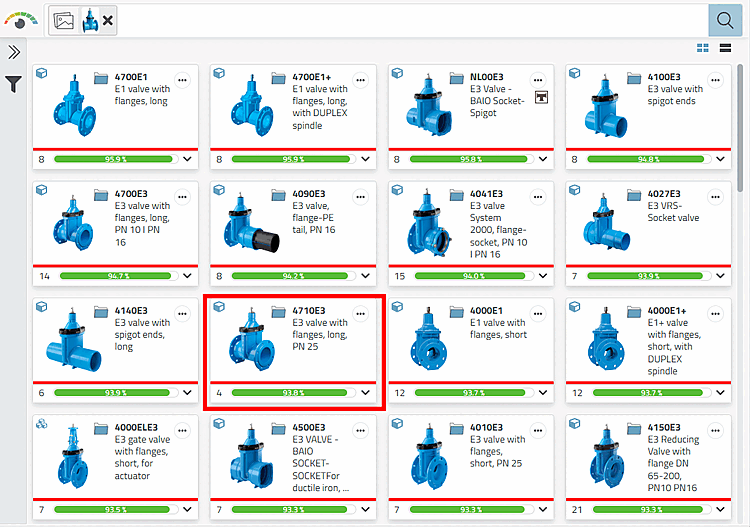
→ The search results are displayed as with any other search.

![Selection "Photo search [Photo Search]"](resources/img/img_9d2f08f868944e878c4df15e64e97ad8.png)