Chapter 9. Export 9.1. Transfer part to CAD system |  |
| Prev | Next |
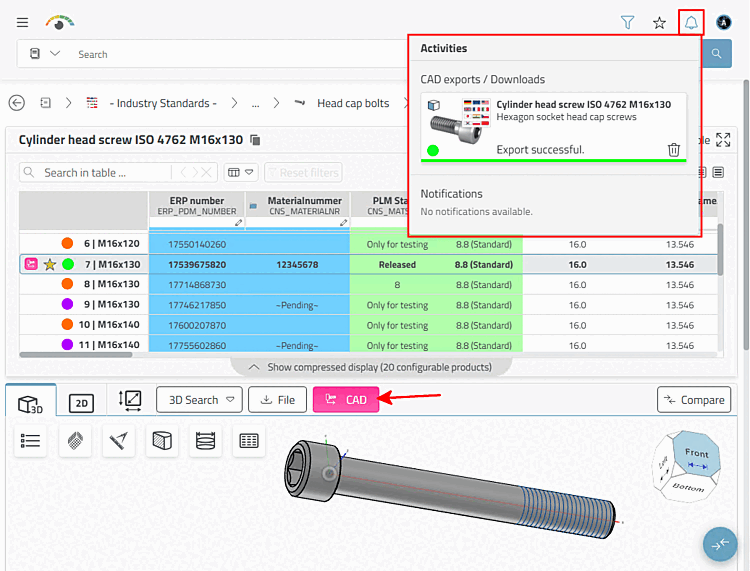
If you want to transfer the opened part to the CAD system, click on the button.
→ The part is exported directly as an individual part or in the opened assembly.
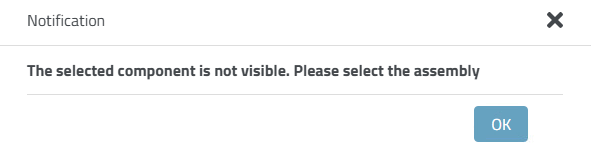
→ A notification is displayed after a successful or failed export.
![[Note]](images/note.png)