4.3.3.3. Teamcenter - NX
4.3.3.3.3. Test
run |  |
| Zurück | Weiter |
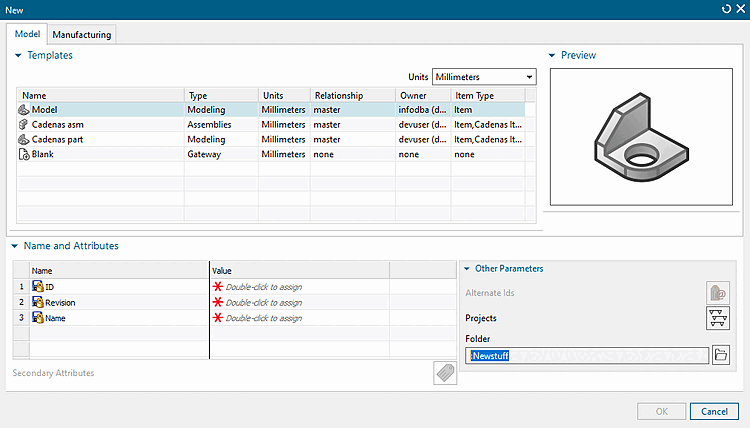
In the New dialog, on the tabbed page Model, under Templates, select a simple template (in this example "Model").
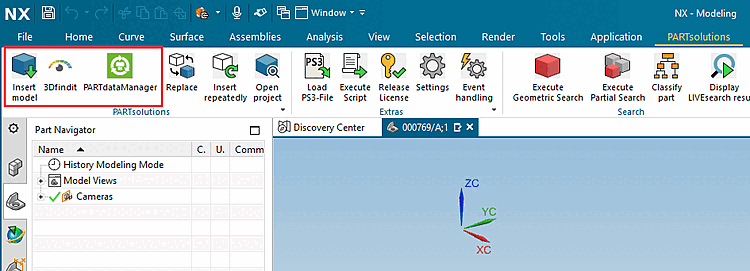
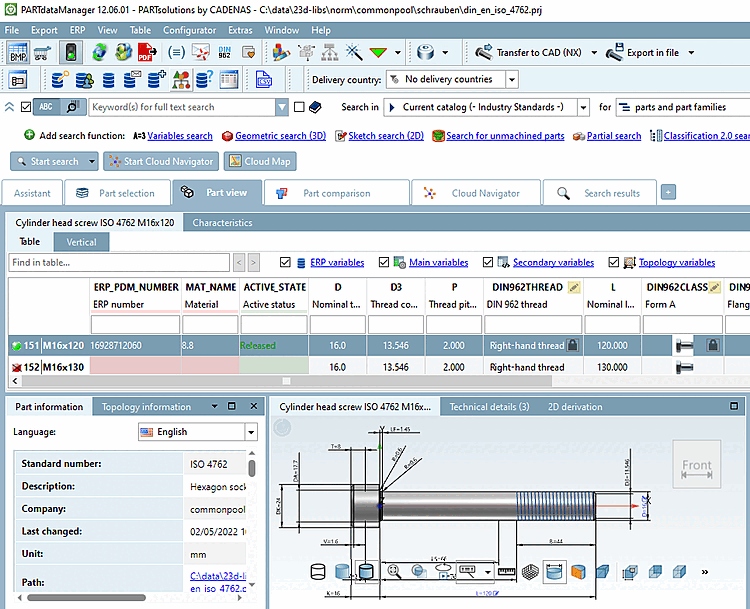
Start PARTdataManager or 3DFind.it.
Select part and click Transfer to CAD.
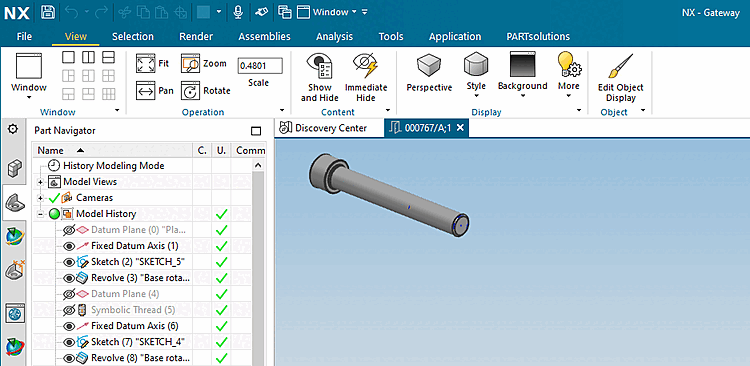
-> The view switches to NX.
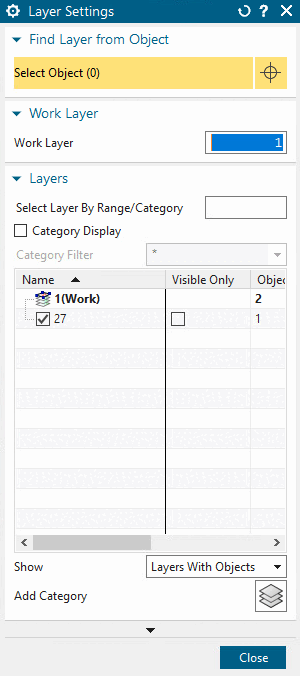
If the part is correctly placed but not visible in the 3D view, open the Layer Settings via Ctrl+L and enable Layer 27. (Assemblies are placed on Layer 27 and this is not visible by default.)
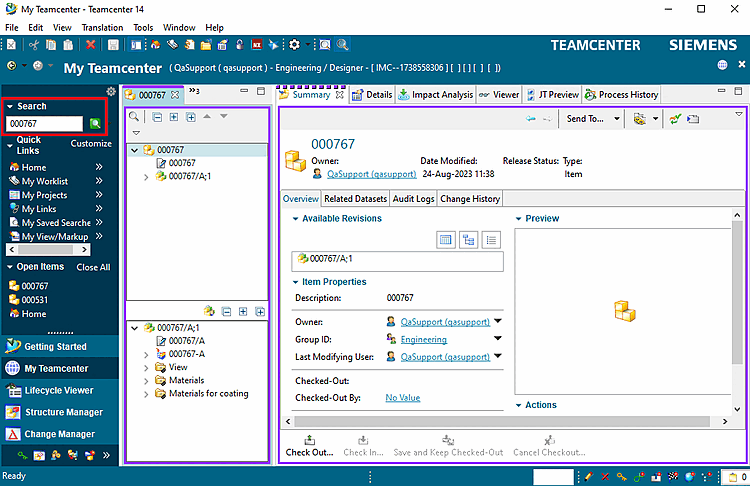
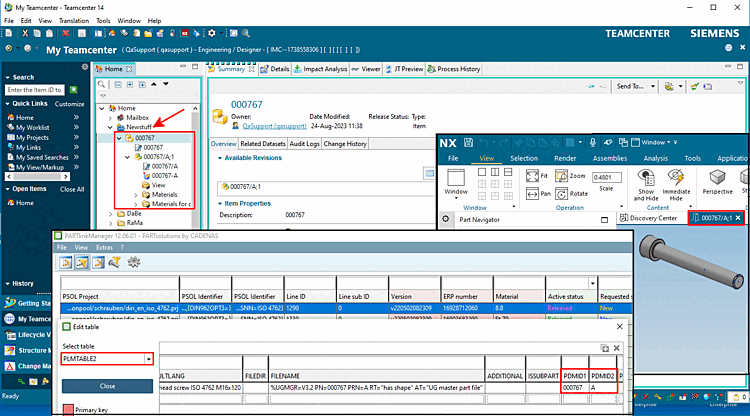
Check whether the document is saved in Teamcenter[64] and whether it is added in PLMTABLE2.
Open PLMTABLE2 in PARTlinkmanager via Extras menu -> Database -> Edit additional tables.
![[Hinweis]](images/note.png)